

Ask Widget

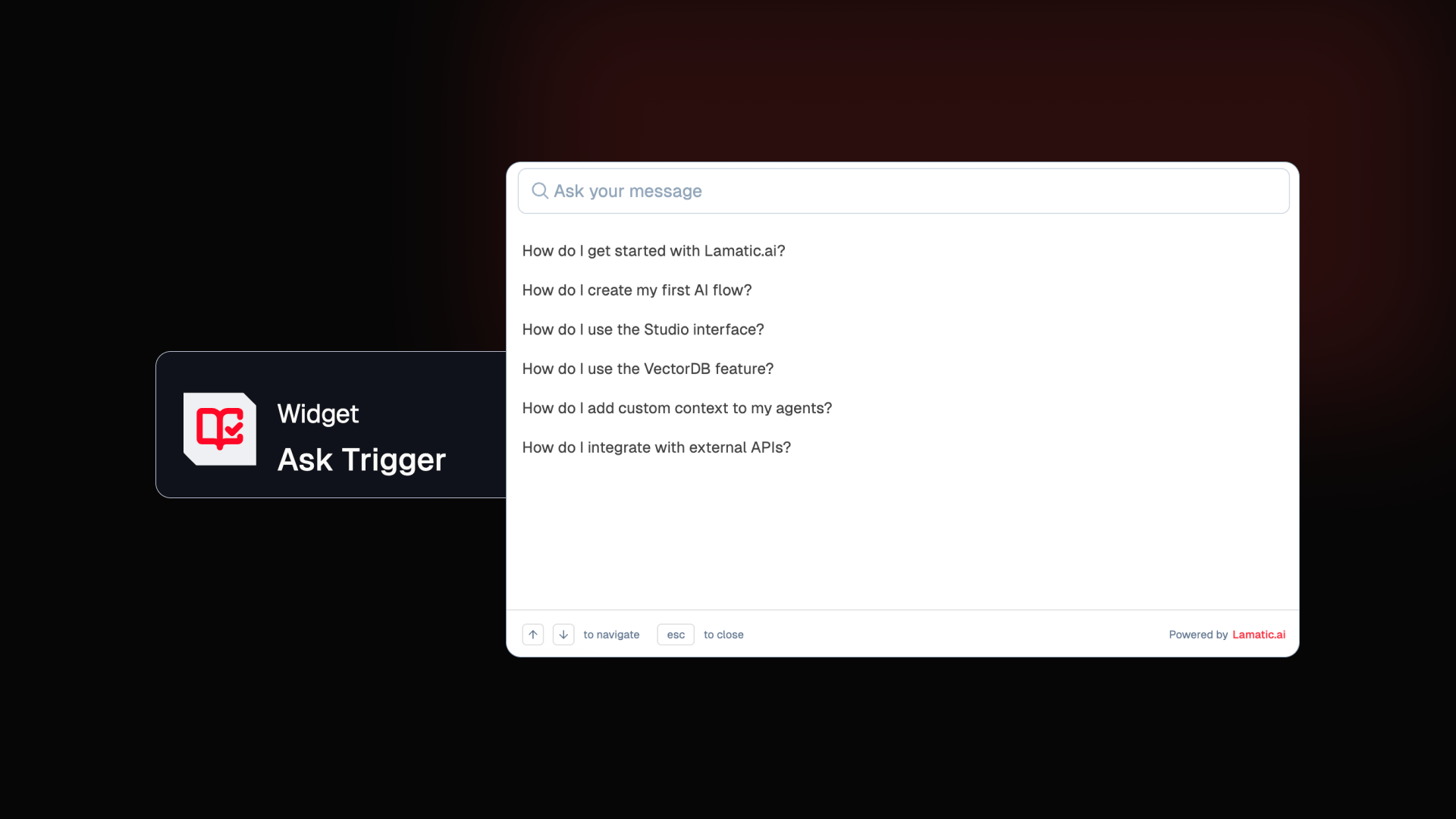
Introduce an interactive AI-powered Ask Widget that can be embedded directly into your website using the Ask Trigger node. The widget enables users to ask questions, choose from suggested prompts, and continue conversations with follow-up questions, creating a smooth conversational Q&A experience on your site.
Key Features
Embed a conversational AI Q&A interface directly on your website
Suggested prompts to guide user questions
Follow-up conversations for deeper interaction
Seamless integration using the Ask Trigger node
Checkout the doc
Search Widget Update - Ask Integration

Search Widget can now connect directly with an Ask Flow. In the Search Widget node configuration, you can select an Ask Flow from a dropdown. When configured, the Ask widget becomes available inside the search interface, allowing users to switch between Search and Ask seamlessly.
What this enables
Run Ask flows alongside search results
Unified interface for search and conversational queries
More flexible knowledge discovery experience
Checkout the doc
Others Improvements
Ask Widget UI Enhancements: Improved styling including placeholder and helper text colors, avatars, background behavior, increased overlay height for trigger selection, and refreshed trigger/response icons.
Logs Improvements: Better pagination validation, improved log filtering logic, and enhanced timestamp sorting with clearer node display in logs.
Code Editor Enhancements: Automatic code formatting while pasting or typing, along with improved auto-indentation for cleaner and better-structured code.
